
GOT A UI/UX
DESIGN PROJECT?
Accessibility-First Design Systems: Your Competitive Edge in 2026
Accessibility used to be a post-launch checklist item. In 2025, it’s a design foundation – and it starts with your design system.
Accessibility-first design systems don’t just ensure compliance – they make experiences smoother for all users. Think of accessibility as performance optimization for human interaction.
Here’s how to embed it:
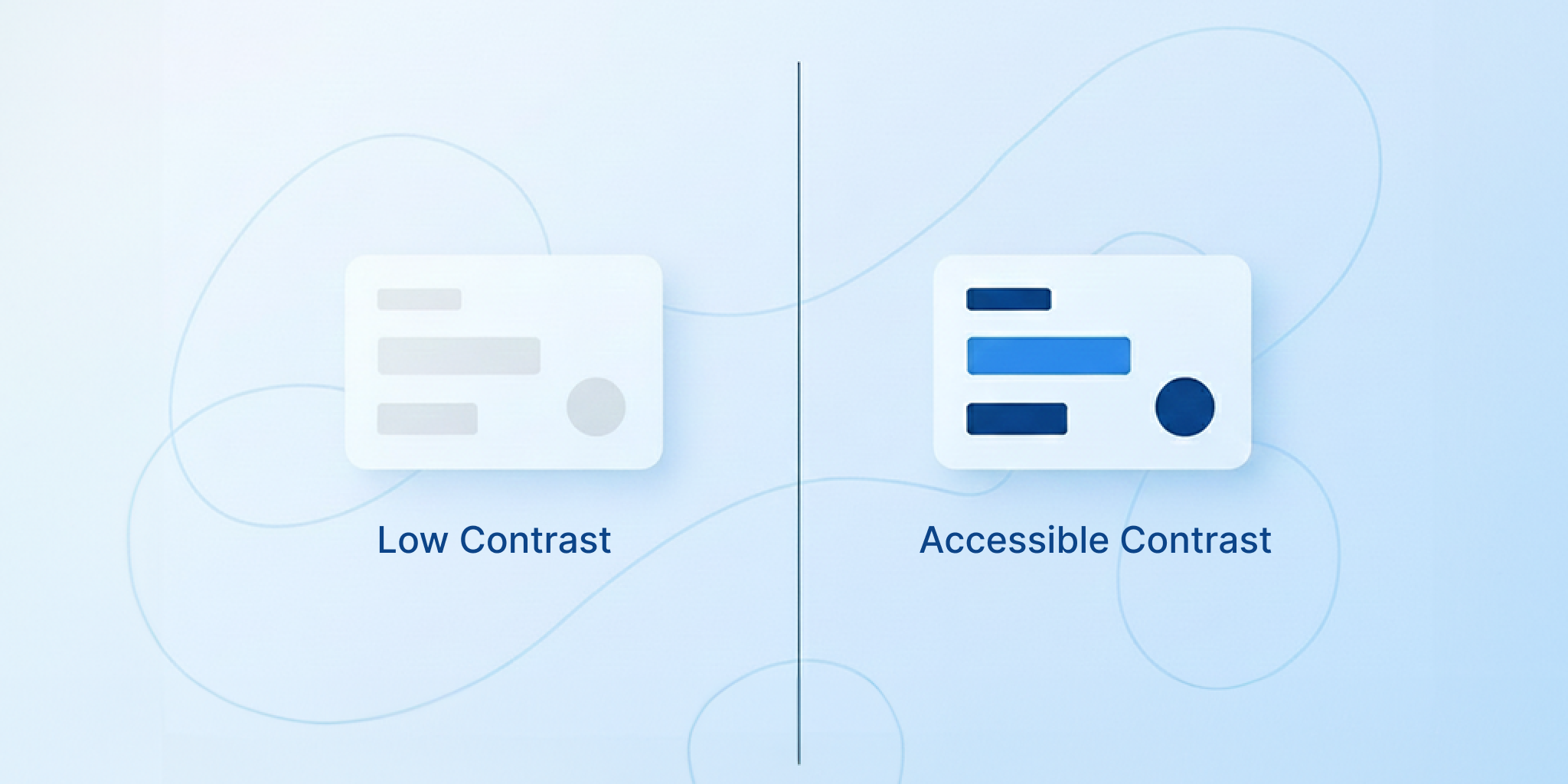
- Start with tokens.
Define minimum color contrast ratios (4.5:1 or higher) and accessible type scales directly in your design tokens. That way, every future component inherits inclusivity by default. - Component-level documentation.
Every component should list its ARIA labels, tab order, and keyboard flow. Include both visual and behavioral accessibility notes. - Test early and often.
Automate audits using axe-core or Lighthouse. Pair it with manual reviews for motion sensitivity and focus visibility. - Treat accessibility as a KPI.
Track accessibility errors just like bugs. Celebrate when your contrast scores improve.
Accessibility isn’t the opposite of innovation – it’s the proof of empathy in your design.
Explore more: Design Systems in 2025